Reduce screen time.
Your phone stays colorful. After a few minutes, the apps you lose hours to flip to gray, so a quick check doesn’t turn into an hour. Color comes back the moment you leave. Nothing is ever blocked.
Stepped de-stimulation of the apps you choose: a color grace period, then grayscale, reversed the instant you leave. Grayscale cut measured screen time by roughly 20 to 40 minutes a day across field studies1 2 3. Nothing is blocked.
- Nothing is blocked
- One app, always free
- No sign-up, no card
- Local-first
0
blocks
ever. The feed stays open; it just stops paying out.
by design: de-stimulation, never a lockout, so there is no wall to push against.
How it works
The first minutes are yours
The first few minutes are yours, in full color. Keep scrolling and the app flips to gray, a quiet cue that a quick check has turned into a scroll. Close it and color comes straight back.
A color grace period gives way to grayscale at a threshold you set. Static nudges habituate, but a gradually intensifying visual friction held its effect longest in a seven-day field study (in press)7. Sessions restore on close.
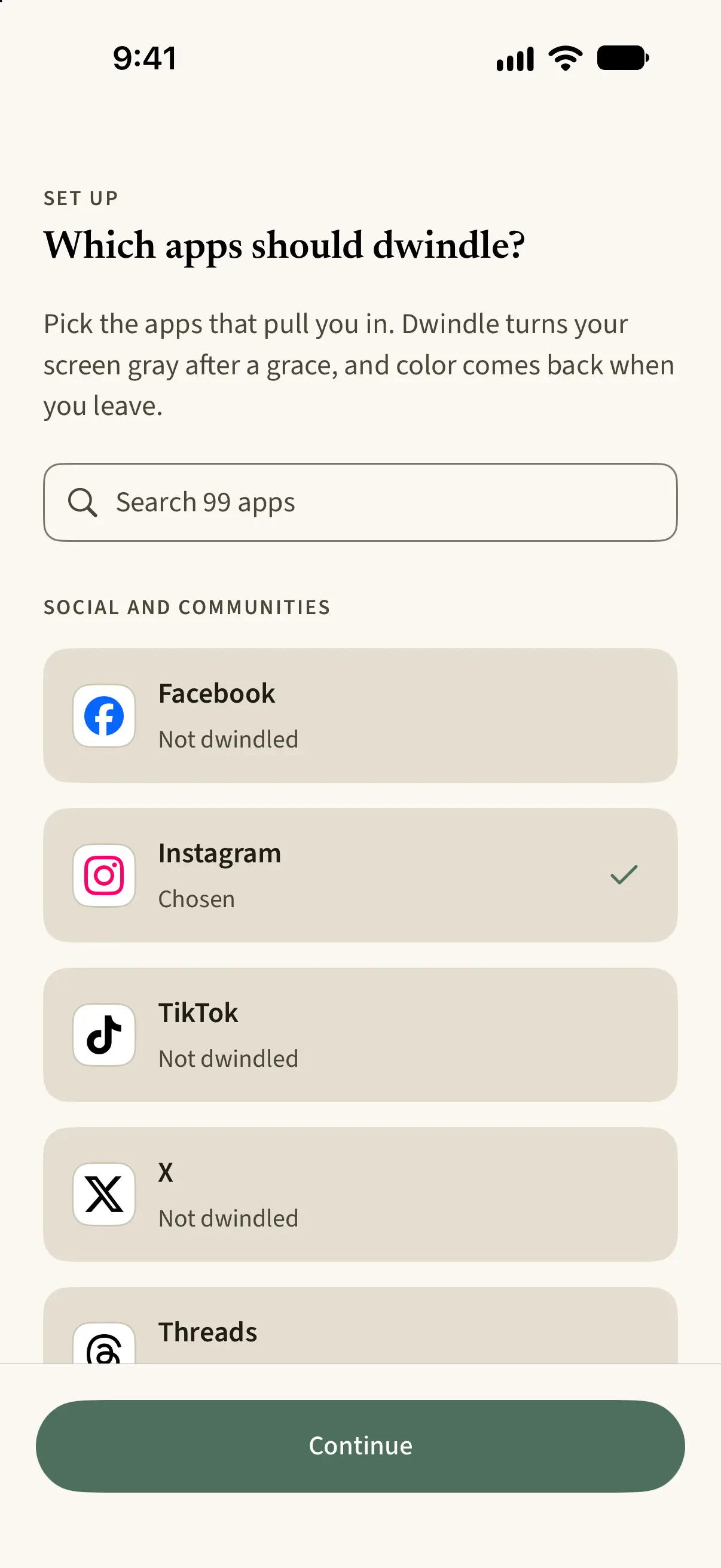
Choose the apps
Start with the feed you lose the most hours to.
The first minutes are yours
In full color, exactly as before. No prompt, no lecture.
Then it flips to gray
The color goes while you scroll, so you notice you’ve stayed longer than you meant to. Close the app and it comes straight back.
Why it works: a feed without its color stops pulling at you, so you stop wanting it the way you did. In the field studies behind Dwindle, phones went gray and people used them roughly 20 to 40 minutes a day less, with nothing blocked, no timer and no lecture. Try it free and measure your own week.
Why it works: grayscale removes the color reward the feed is built on. Across field studies, grayscale cut measured screen time by roughly 20 to 40 minutes a day1 2 3, by shrinking sessions rather than pickups2, and a friction that intensifies step by step held its effect longest over a week7. Restored on close, so nothing is blocked.
Why not a blocker
Blocks invite workarounds
Removes the payout, not the access.
Take away a choice and people work to win it back. Psychologists call it reactance, and it’s why blocked apps get unblocked. Dwindle never says no: it takes the color out of the feed and leaves the app open, so there’s nothing to push against and less to come back for.
- A blocker
- Restricts access, which invites a workaround.
- Dwindle
- Reduces the reward, so there’s nothing to work around.
Lose the doom scroll
Catch the scroll as it starts
Most mindless scrolling starts as a quick check. Dwindle leaves your first few minutes in color, then flips the app to gray, so you notice the moment a check becomes a runaway session, and putting the phone down gets easier.
A grace period protects short, intentional use. Past it, grayscale strips the color cues feeds are built on and breaks the absorption researchers call normative dissociation9, so the moment a check becomes a runaway session is hard to miss. Across field studies, grayscale cut measured screen time by roughly 20 to 40 minutes a day1 2 3.
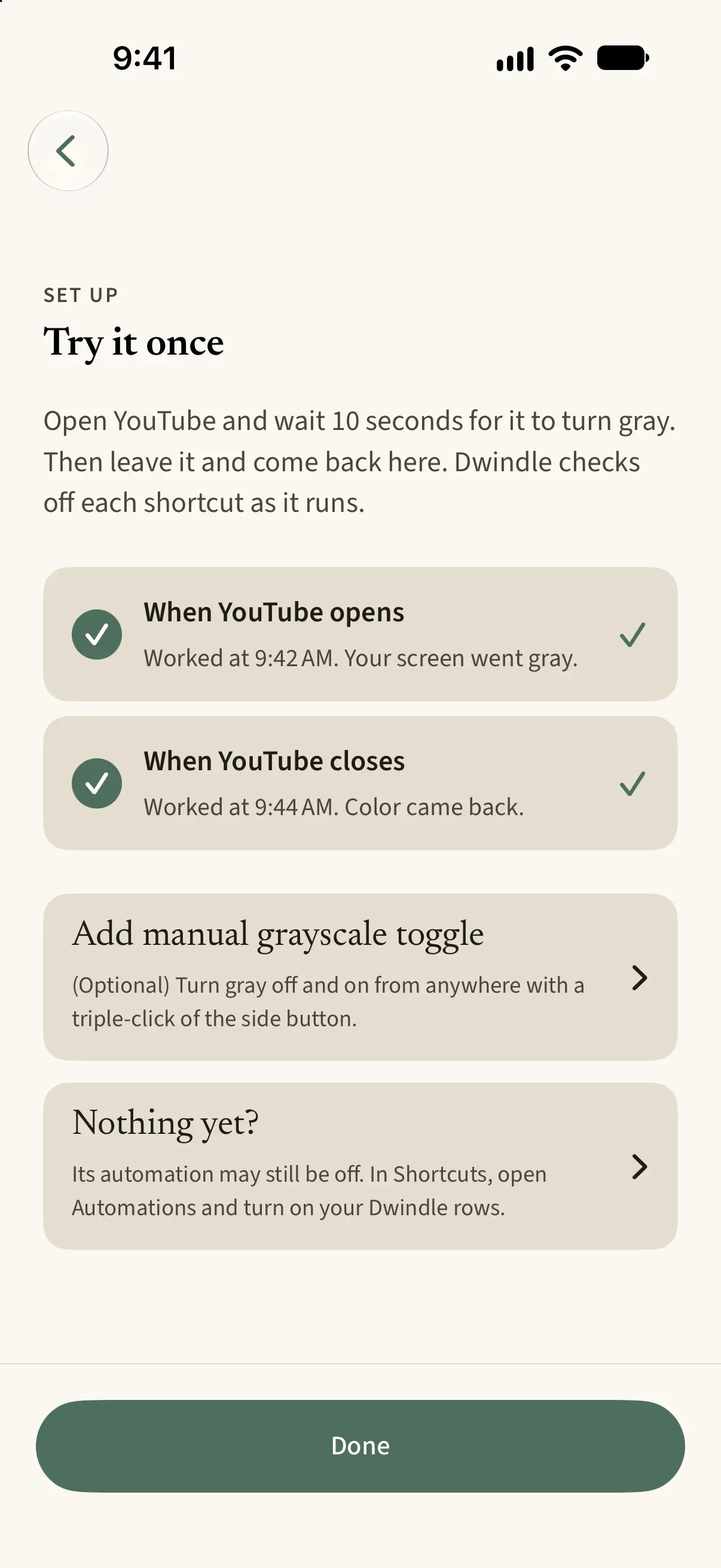
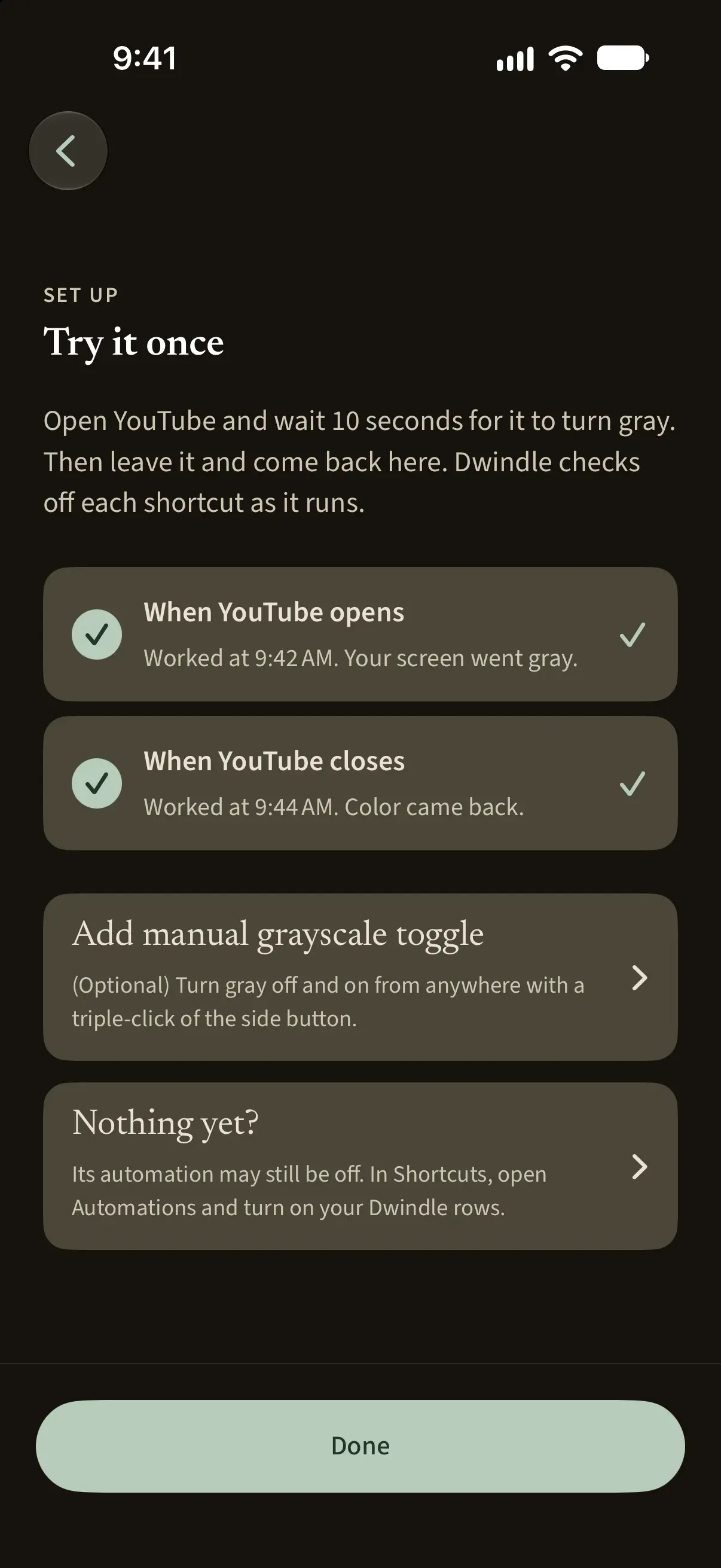
Only the feeds that cost you
Choose the apps you lose hours to and Dwindle works only there. Your camera, maps and messages keep their color, exactly as they were.
Grayscale per app, never phone-wide: what you rely on keeps its color, so nothing useful pays for the feeds you don’t want.
The evidence, honestly
This isn’t a vibe. Turning a phone gray is one of the few screen-time interventions with real field evidence behind it: measured minutes, not testimonials. for the studies themselves.
Across field studies, grayscale cut measured screen time by roughly 20 to 40 minutes a day1 2 3, shrinking sessions without changing how often people reached for the phone2. Effects differ for habitual versus deliberate use5. Still to be measured: partial intensity, the per-app version, adherence past the studies’ windows.
Try it free. Then one plan, one flat price.
Try it free, then dwindle every app you choose for $24.99/yr. The triple-click, the repair loop, and exporting or deleting your data are never behind a paywall.
Try it free. Then one plan: $24.99/yr, $3.49/mo, or $59.99 once (founding $39.99). Never paywalled: the gesture, the repair loop, data export and erase, any safety function.
No sign-up, no card.
- Your plan
- $24.99/yr
- Every app you choose, and insights over time. Billed annually, or monthly.
- See full pricing
Lifetime $59.99 once, or $39.99 for founding users while the launch window is open.